GPT Image 2.6 GIF Generator

Turn text prompts or reference images into smooth looping GIFs with GPT Image 2.6. Choose aspect ratio, preview frames, and download instantly.

Six GIF ideas to play with

Try local GIF playback, speed exports and SVG recoloring below. These are creative workflow demonstrations; image prompts use the available model shown in the workspace.

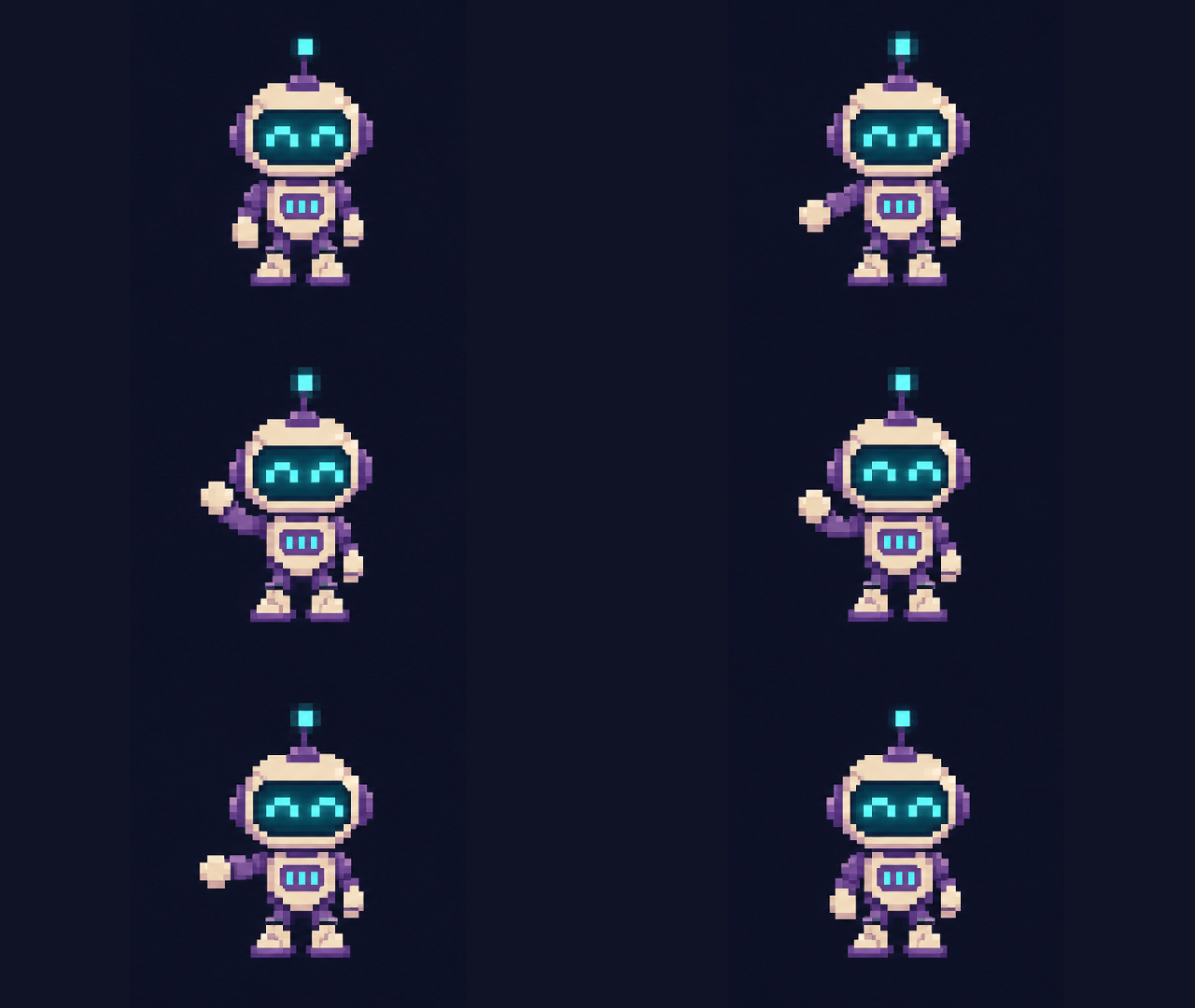
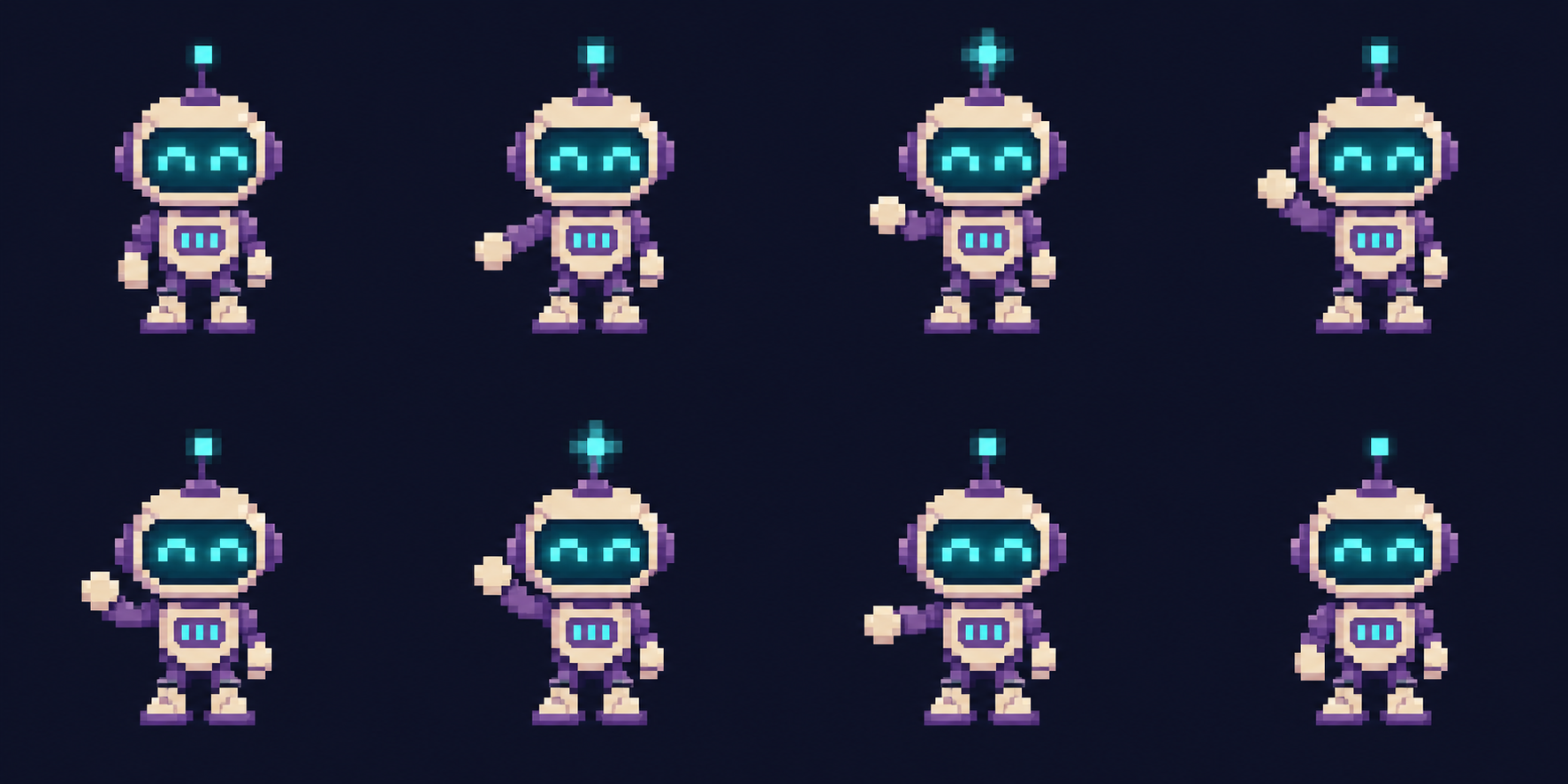
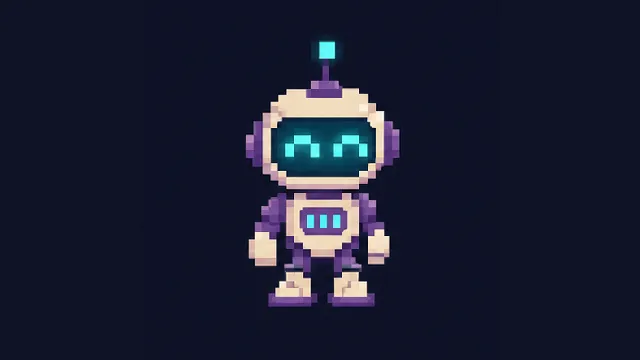
Waving reaction sticker
Download GIF

GIF · 16:9

Waving reaction sticker

Keep the silhouette and baseline fixed. Review all eight cells, then split them in reading order and export a looping reaction GIF.

Read the full prompt

Generate an eight-frame, four-column by two-row sprite sheet of one friendly violet robot waving. Fix the scale, baseline and camera; use the same navy background in every cell. No grid lines or labels.
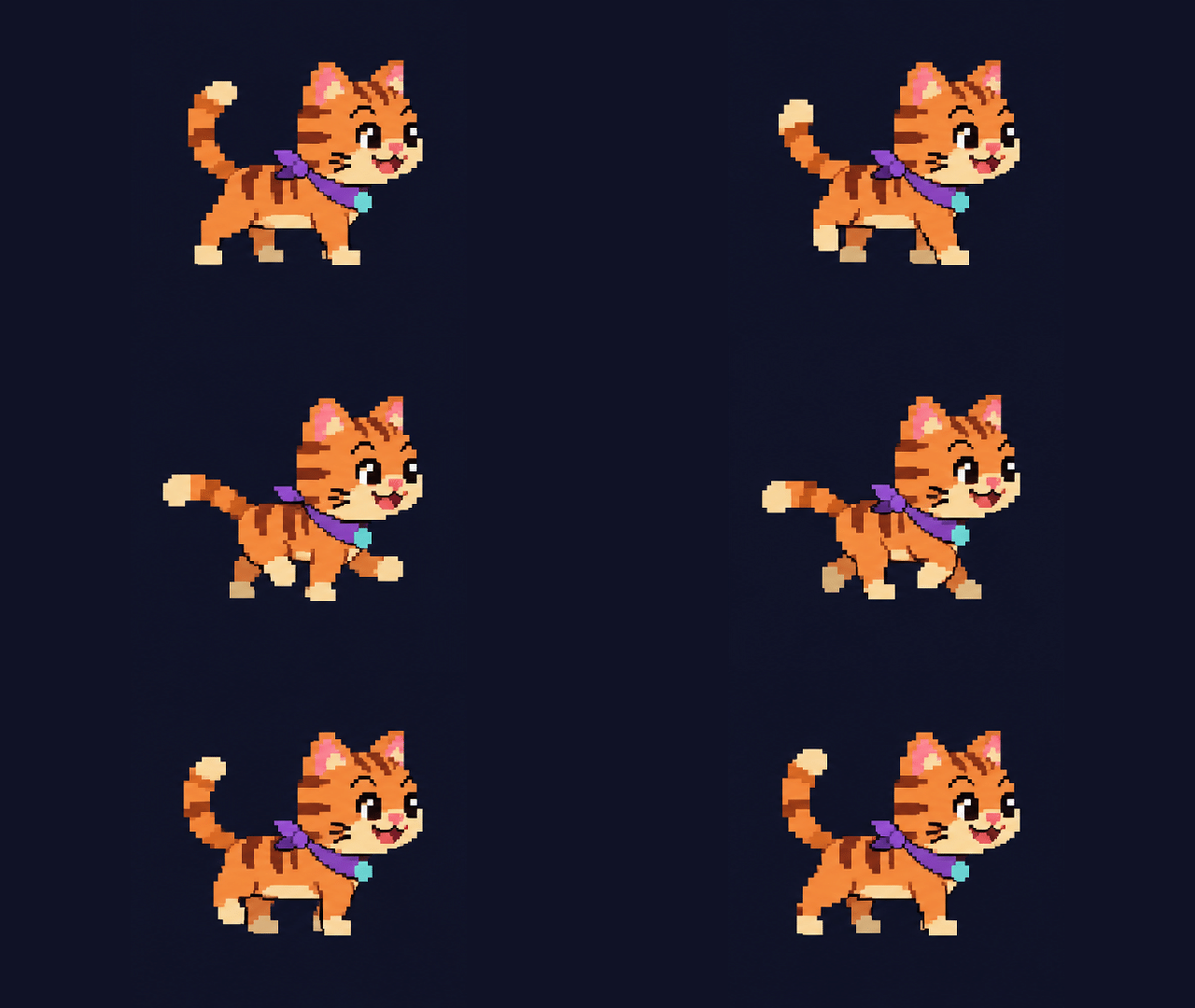
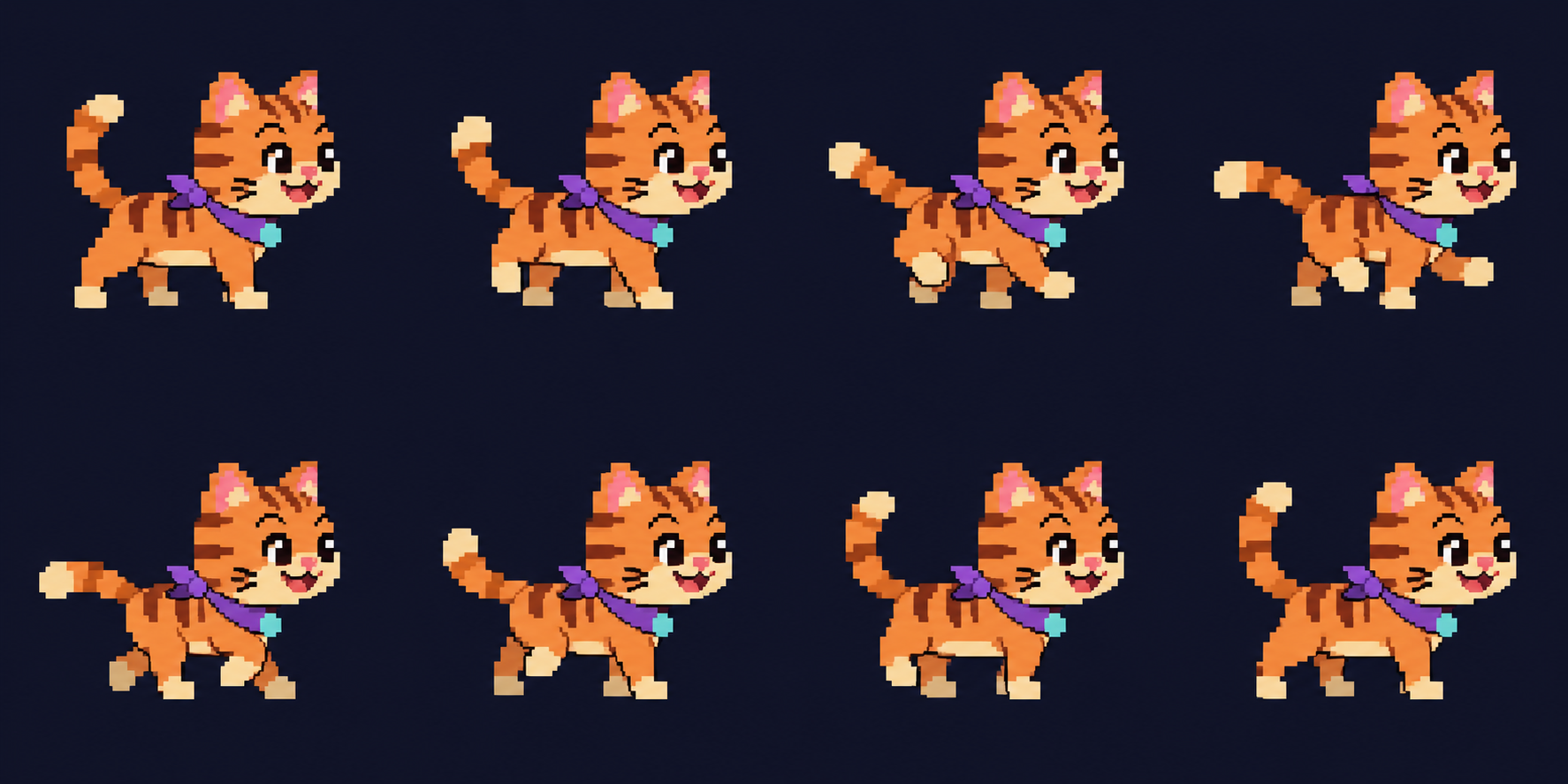
Pixel cat walk cycle
Download GIF

GIF · 16:9

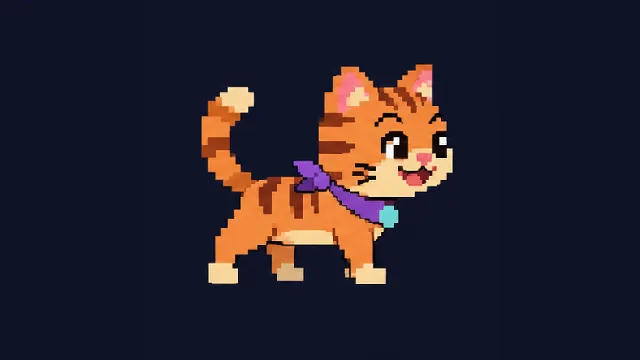
Pixel cat walk cycle

Build one continuous action, rather than unrelated poses. Check feet and tail placement before selecting the playback speed.

Read the full prompt

Generate an eight-frame 4 by 2 pixel-art sprite sheet of an original orange cat with a violet scarf walking in place toward the right. Fixed scale, baseline and body center. Consecutive poses, clean limited palette, navy background, no grid or text.

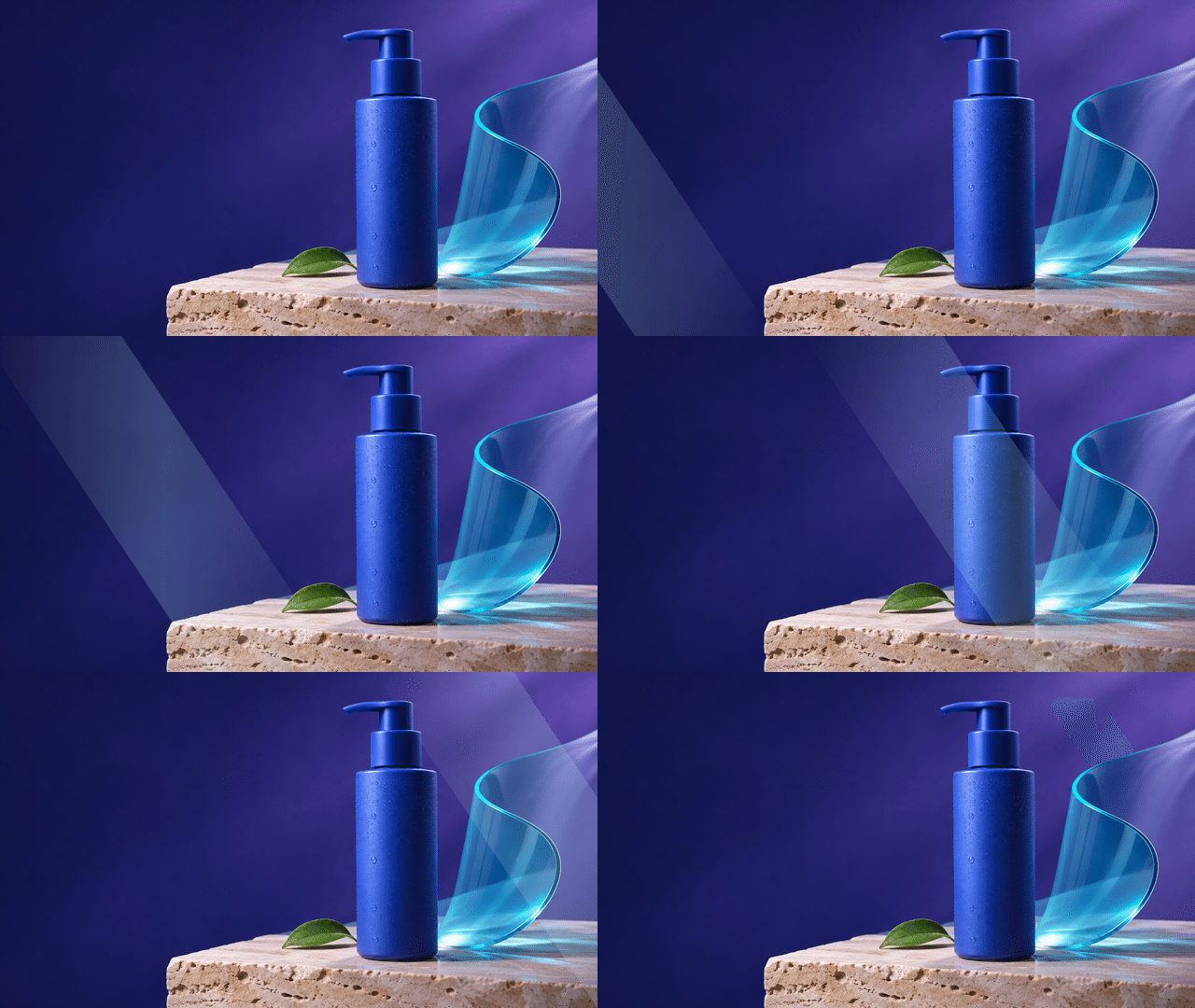
Product highlight loop
Download GIF

GIF · 16:9

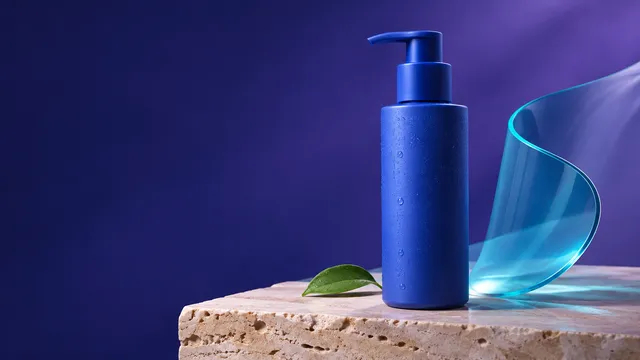
Product highlight loop

Prepare the product still first. This demonstration adds a controlled light sweep during GIF assembly; it does not change the product shape.

Read the full prompt

Create a landscape campaign still of a matte cobalt pump bottle on pale stone with a translucent cyan accent and clear space around the silhouette. Fixed camera and realistic material highlights, no text or logo.

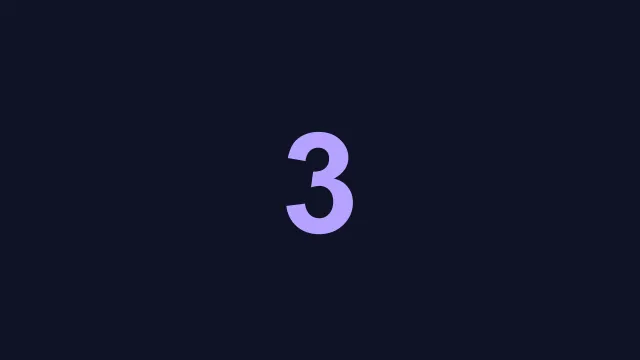
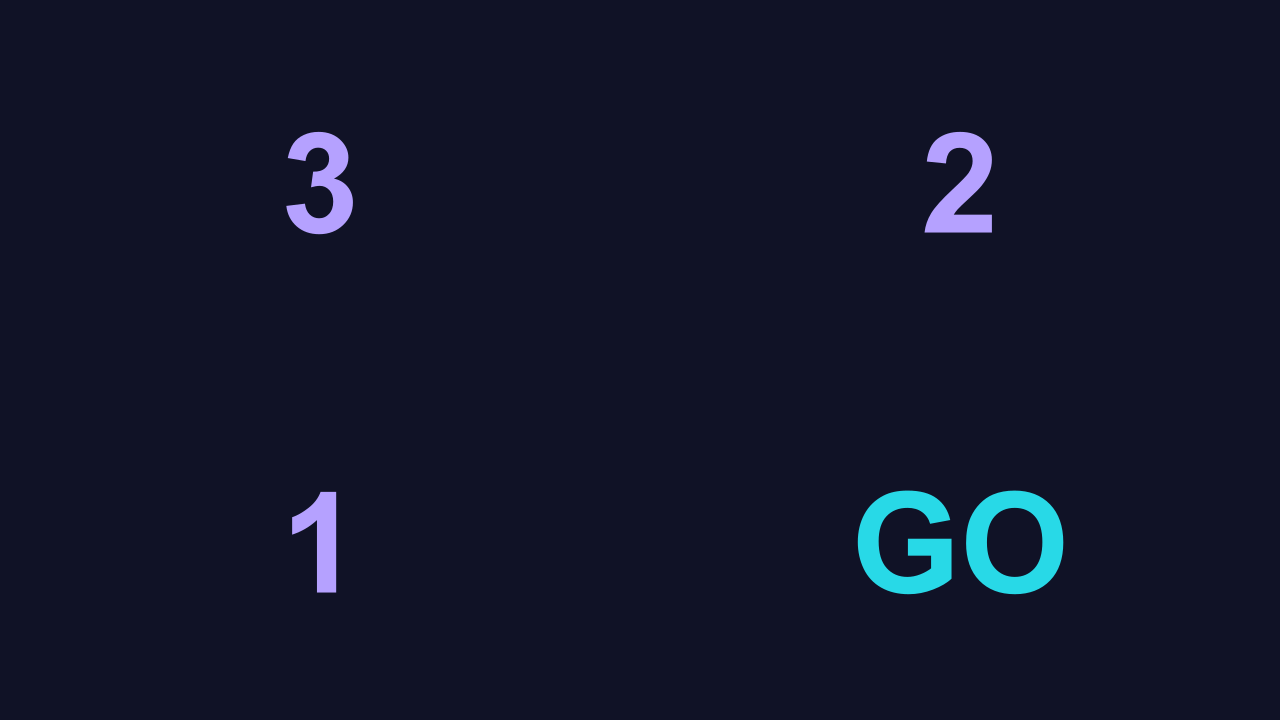
Launch countdown sticker
Download GIF

GIF · 16:9

Launch countdown sticker

A typographic loop needs legible states and deliberate holds. The file repeats as a creative countdown demonstration.

Read the full prompt

Design four consistent landscape launch cards with exact centered text 3, 2, 1 and GO. Oversized violet numerals on navy; make GO cyan. Fixed type size and position, no other words.

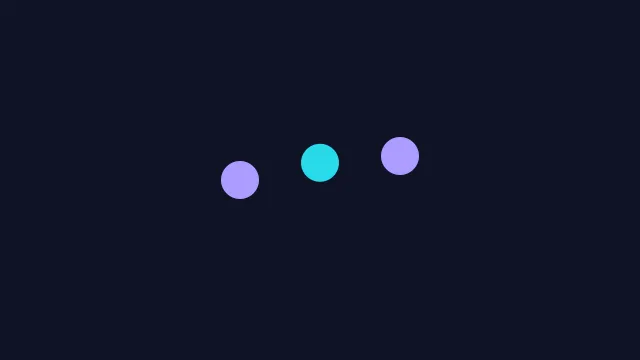
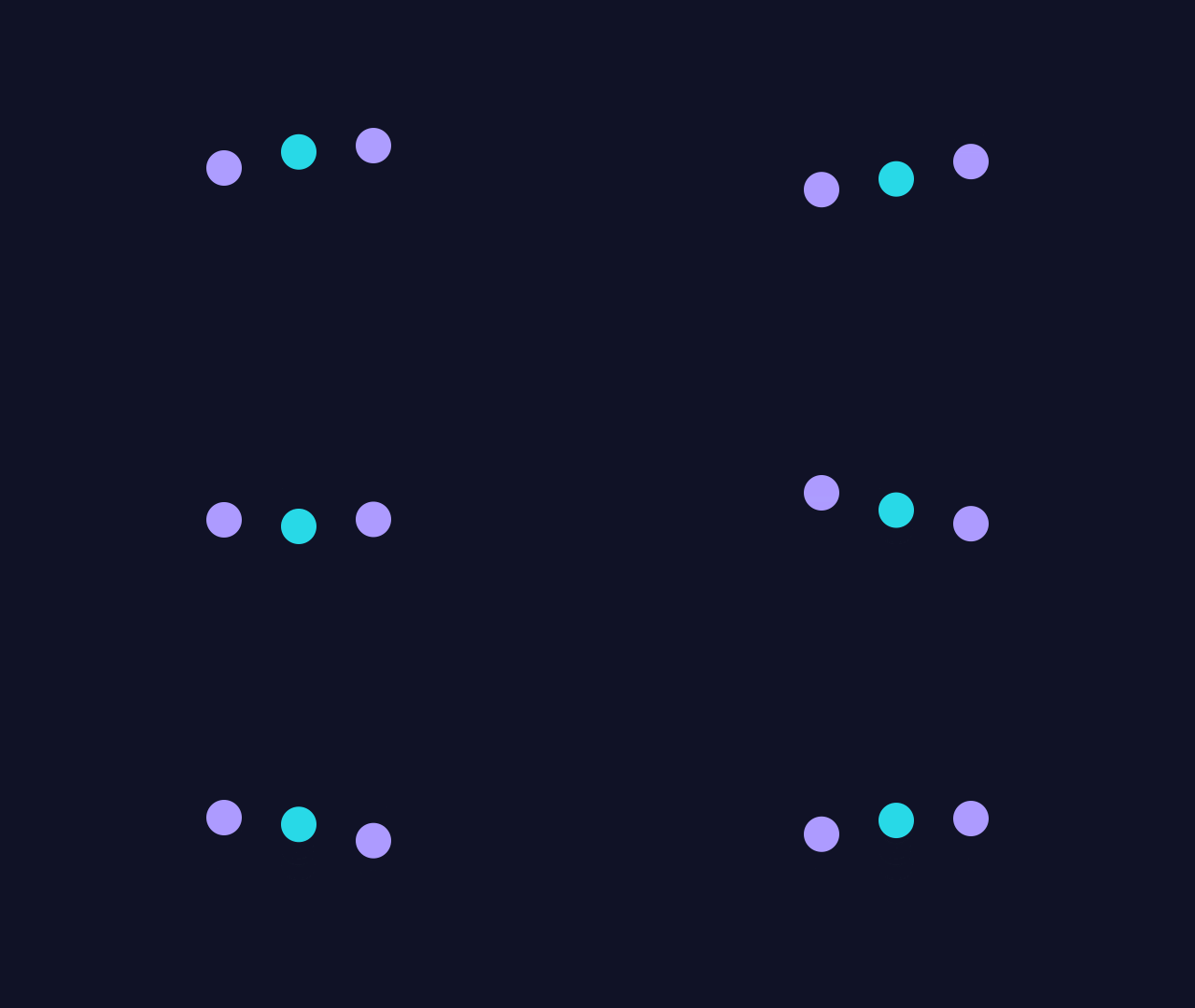
A lightweight loading loop
Download GIF

GIF · 16:9

A lightweight loading loop

Offset the timing of the three dots and reconnect the final phase to the first. Use a still poster when motion is paused.

Read the full prompt

Create a minimal loading concept with three equally spaced dots on navy. Violet outer dots, cyan middle dot, equal sizes, clean geometry and generous margins. Fixed camera, no text.

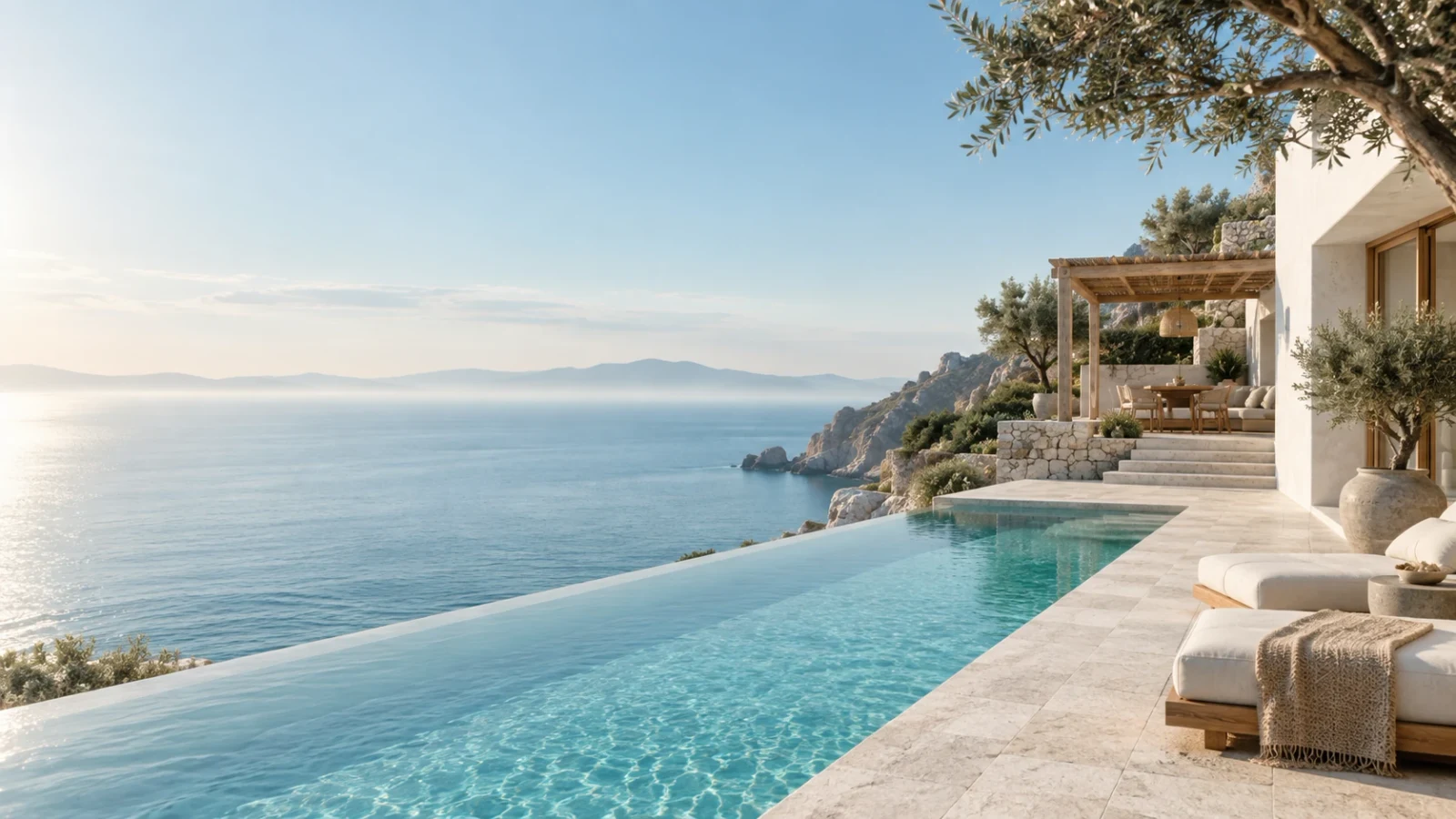
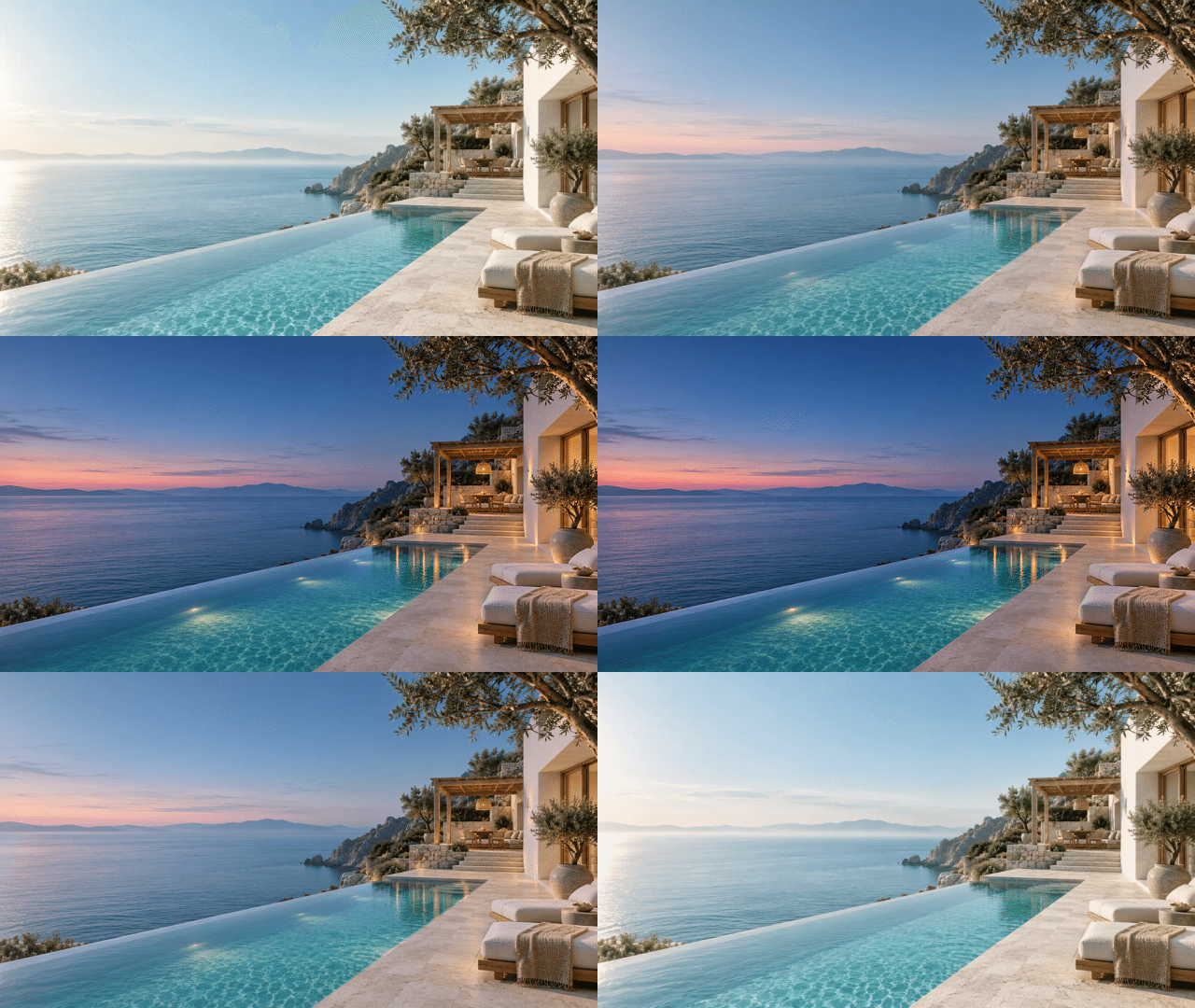
Reference input: Day-to-night edit reveal
Reference input
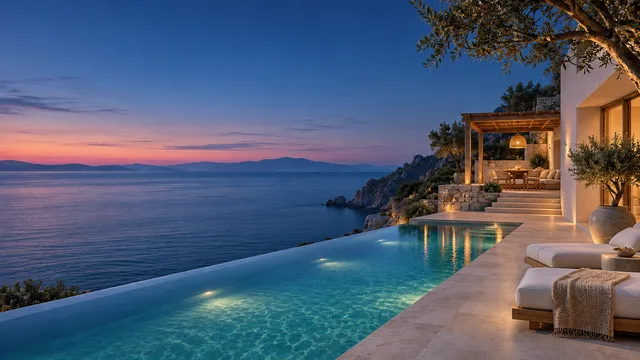
Day-to-night edit reveal
Download GIF

GIF · 16:9 · Edited illustration

Day-to-night edit reveal

Compare the actual reference with its edited illustration. This GIF crossfades the two files to show the requested lighting change.

Read the full prompt

Use the coastal residence reference. Preserve building geometry, pool, furniture and camera angle while changing daylight to blue hour, with warm interior lighting and subtle pool illumination. No extra objects or words.

Model
Aspect ratio
Resolution
Preset size

Fixed aspect ratios use model size presets.

Number of outputs
Estimated cost · confirm before generating
Not available

Checking model availability…

Prompt tools

Prompt and settings are saved for this tab when browser storage is available.

Start with a usable brief

Original recipes. Adapt the details and check the model name before generating.

Your creative preview

Checking model availability…

Start with an idea

Choose a GIF or SVG concept. The workspace prepares an image or sprite-sheet prompt; editable SVG files and GIF exports are in the playgrounds above.

Result

Creative illustration; not a verified model benchmark.

Reviewed 2026-11-05

Describe a seamless GIF loop

Write one clear action and explain how the last frame should return to the first. Try a gently rotating object, a breathing character or a subtle product highlight.

Generate from text or a reference image

Choose GIF output and an aspect ratio. Use a reference image when the subject, colors or product identity should remain consistent; preview the frames before downloading.

GIF credits and iteration

One short GIF uses 3 credits. Use Flare to explore motion ideas quickly, then refine the prompt or switch to Sunburst when reference fidelity and small details matter.

Questions before you start

What is GPT Image 2.6 (ChatGPT Images 2.6)?

GPT Image 2.6—often searched as ChatGPT Images 2.6—is the November 2026 image generation release featuring animated GIF loops and editable SVG vector output alongside high-detail PNG generation and reference-based image editing.

Can GPT Image 2.6 generate animated GIFs and editable SVGs?

Yes. You can select GIF for short seamless motion loops, SVG for clean scalable vector graphics such as icons and badges, or PNG for high-resolution raster images from the same prompt box.

Is GPT Image 2.6 free to try on this site?

New accounts receive 3 free welcome credits after signing in—enough to generate 1 short GIF (3 credits) or up to 3 PNG/SVG outputs (1 credit each) before deciding on a credit pack.

What is the difference between Flare and Sunburst?

Flare is tuned for fast everyday concept generation and quick prompt iteration, while Sunburst focuses on higher detail fidelity, accurate typography, and controlled edits from reference images.

How does GPT Image 2.6 differ from GPT Image 2.5?

While GPT Image 2.5 focused on static raster generation and editing, GPT Image 2.6 adds direct looping GIF synthesis, cleaner SVG vector structure, and stronger text layout consistency.

Do credit packs renew automatically every month?

No. All paid tiers ($9.90 Spark, $19.90 Studio, and $39.90 Archive) are one-time credit packs valid for 365 days from purchase, with no recurring monthly subscription.

Continue with a specific task