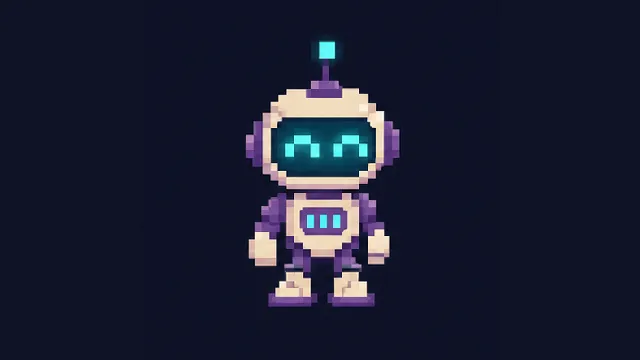
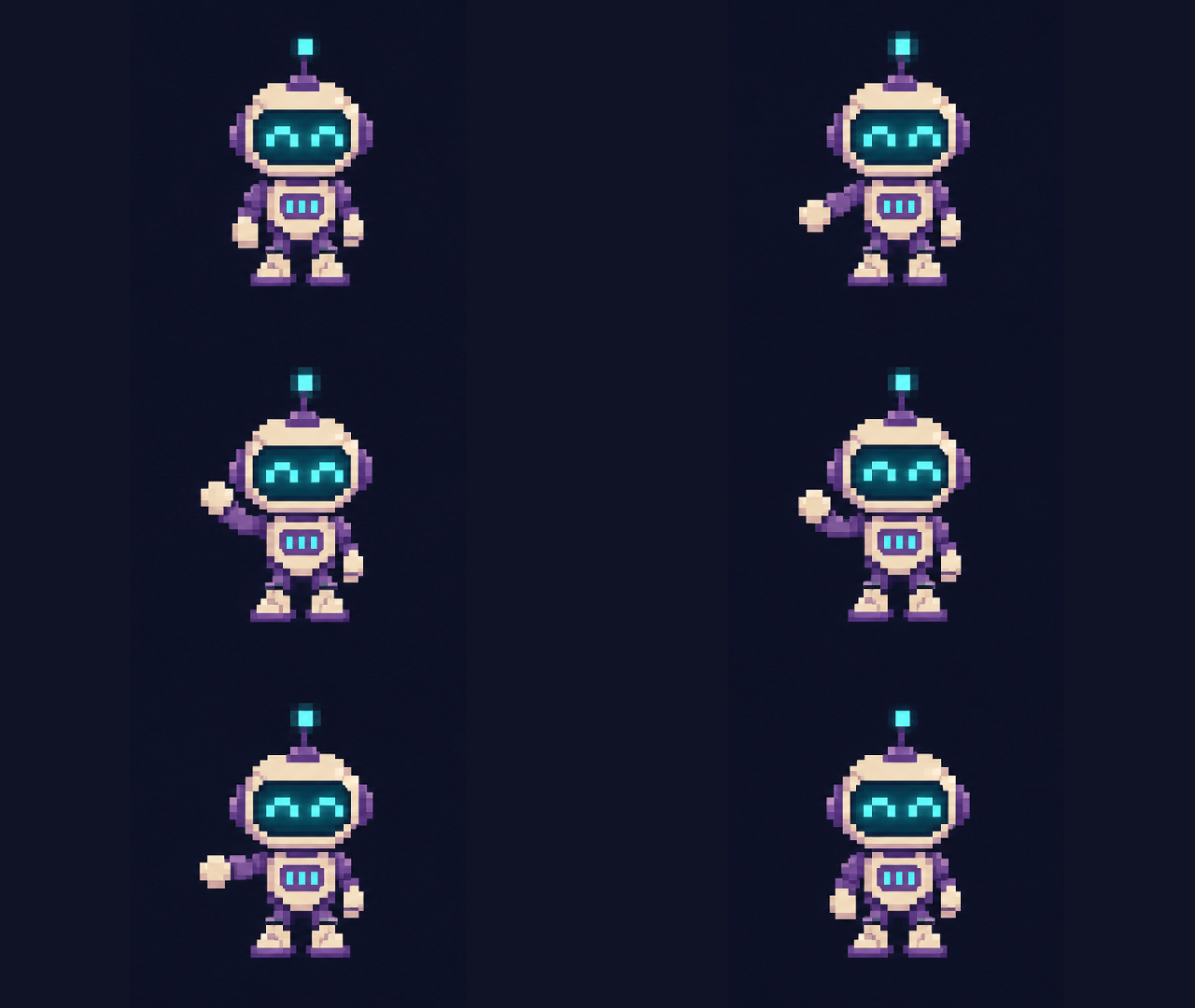
GIF · Waving reaction sticker
Reaction stickers, walk cycles and product loops. Preview the motion and download the speed you choose.
Create looping GIFs, editable SVGs, and crisp PNGs from one prompt with GPT Image 2.6. Try online in your browser and start with 3 free credits.
Start generatingReaction stickers, walk cycles and product loops. Preview the motion and download the speed you choose.
Animated marks, icon families and editable diagrams. Recolor the vectors and export a real SVG.
Try local GIF playback, speed exports and SVG recoloring below. These are creative workflow demonstrations; image prompts use the available model shown in the workspace.
Choose a GIF or SVG concept. The workspace prepares an image or sprite-sheet prompt; editable SVG files and GIF exports are in the playgrounds above.
Creative illustration; not a verified model benchmark.
Watch the collection move from right to left. Hover or focus any image to pause and take a closer look.
GPT Image 2.6, also searched as ChatGPT Images 2.6, brings GIF, SVG and PNG workflows into one browser-based studio. Start with 3 welcome credits after signing in, then choose a one-time credit pack when you need more.
Short seamless motion loops for social posts, product animations and stickers.
Scalable vector paths for icons, emblems, flat illustrations and UI assets.
Product visuals, posters and covers in 1:1, 16:9, 9:16 and 4:3.
| Compare | GPT Image 2.6 Flare | GPT Image 2.6 Sunburst |
|---|---|---|
| Focus | Fast everyday generation and exploration | Detail, typography and controlled reference edits |
| Best suited to | Concept drafts, GIF loop tests and flat icons | Product packaging, complex poster text and precise SVG structure |
| Suggested workflow | Validate composition and prompt first | Refine details and prepare the final output |
Make a reaction sticker, plan a character walk cycle, animate a product highlight or build a set of editable icons. Choose the format first, then adapt the matching prompt and source file.
Open the generatorWhat it does
Keep the source, inspect the change, and choose how the final asset should behave.
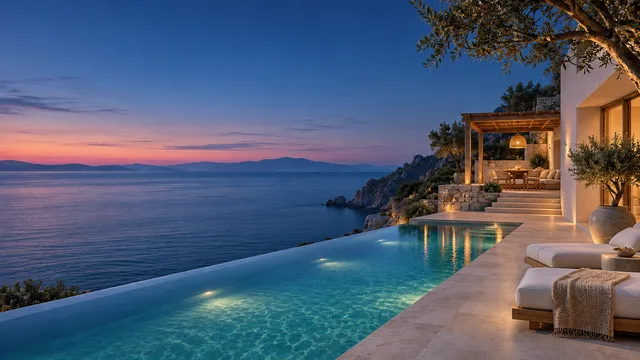
Move a coastal residence from daylight to blue hour. The guide includes the actual reference image, the edited illustration and the preservation instructions.
Prepare this reference edit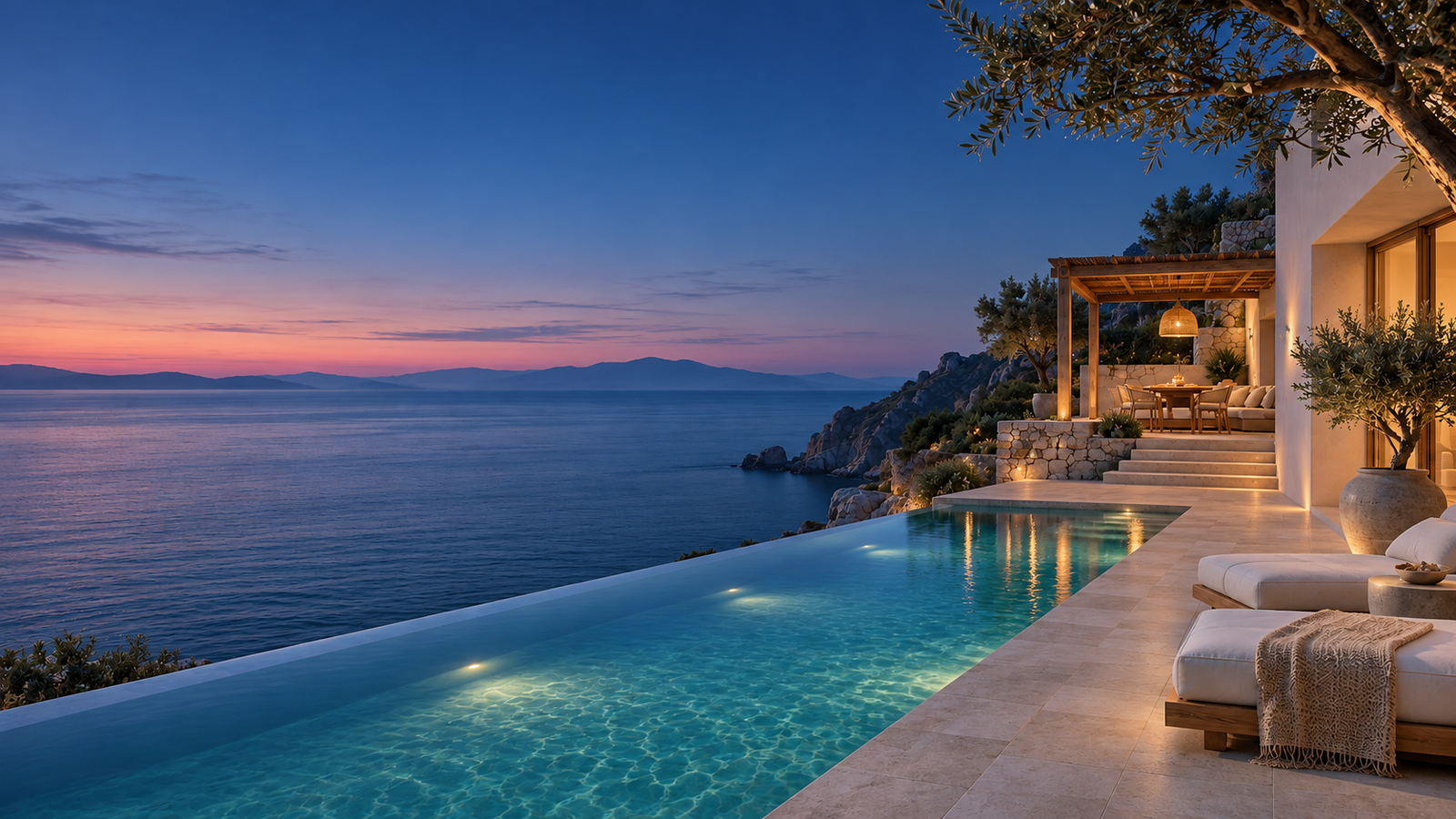
Start with a campaign still and add a controlled highlight sweep during GIF assembly. Keep the bottle and camera stable while the light moves.
Prepare a product-loop concept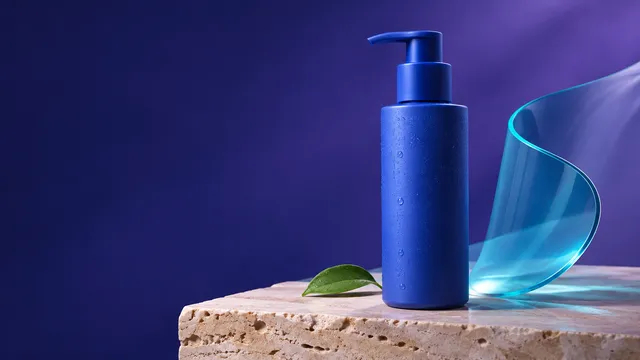
Use four labeled steps and a consistent arrow system. Download the real SVG to adjust the labels, strokes or colors for your own guide.
Prepare a diagram concept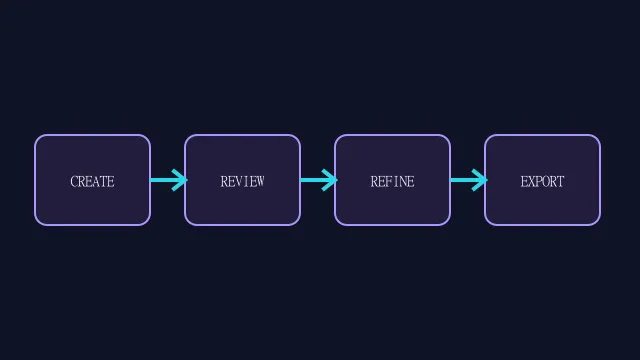
Describe the idea, add references, choose your settings, and review the result.
Choose motion for a repeating action, or vectors for icons, diagrams and graphics you want to edit later.
Name the fixed camera and frame order for a loop. For SVG, describe the paths, labels and visual hierarchy.
Check character consistency and loop seams. Inspect vector strokes and text, then try a different playback speed or palette.
Download the playable GIF or edited SVG. Keep the sprite sheet or vector source so later changes remain possible.
A countdown that repeats, an edit that reveals, a pattern that tiles and layers that move.
A typographic loop needs legible states and deliberate holds. The file repeats as a creative countdown demonstration.
Compare the actual reference with its edited illustration. This GIF crossfades the two files to show the requested lighting change.
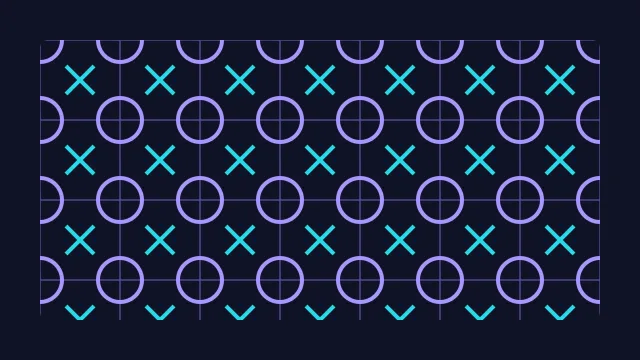
A real pattern definition makes the repeat editable. Change tile spacing, color or stroke width for packaging and backgrounds.
Use simple geometry to explain layers and hierarchy. The SVG remains editable and includes a motion-reduced state.

Build interface motion, explore a vector identity, or create a compact looping graphic.
Offset the timing of the three dots and reconnect the final phase to the first. Use a still poster when motion is paused.
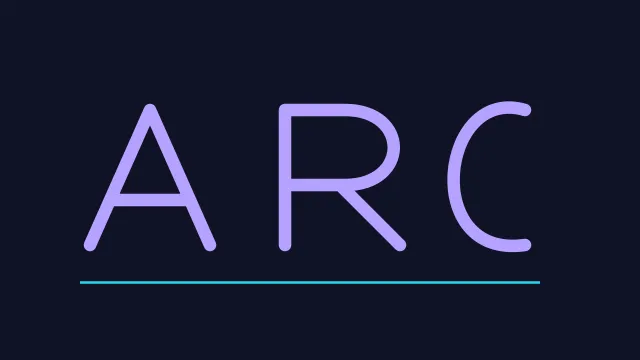
Explore letter shapes before a final identity decision. This is an original vector study, not an existing company logo.
Keep the camera fixed and the orbit periodic for a clean repeating motion.
Use a geometric badge with editable paths and consistent line weight.
Choose a monthly plan or one-time credit pack. Pay securely with Stripe and use your credits in the generator.
Credits fund generation and editing tasks. Model, settings and output count determine the quote; a balance does not guarantee a fixed number of finished images. Review validity and renewal terms before checkout. Refund Policy · Manage or cancel renewal
GPT Image 2.6—often searched as ChatGPT Images 2.6—is the November 2026 image generation release featuring animated GIF loops and editable SVG vector output alongside high-detail PNG generation and reference-based image editing.
Yes. You can select GIF for short seamless motion loops, SVG for clean scalable vector graphics such as icons and badges, or PNG for high-resolution raster images from the same prompt box.
New accounts receive 3 free welcome credits after signing in—enough to generate 1 short GIF (3 credits) or up to 3 PNG/SVG outputs (1 credit each) before deciding on a credit pack.
Flare is tuned for fast everyday concept generation and quick prompt iteration, while Sunburst focuses on higher detail fidelity, accurate typography, and controlled edits from reference images.
While GPT Image 2.5 focused on static raster generation and editing, GPT Image 2.6 adds direct looping GIF synthesis, cleaner SVG vector structure, and stronger text layout consistency.
No. All paid tiers ($9.90 Spark, $19.90 Studio, and $39.90 Archive) are one-time credit packs valid for 365 days from purchase, with no recurring monthly subscription.
Explore prompts, prepare a reference and bring your next visual brief into the workspace.
Start generating